
Record a macro
Capture keyboard and mouse actions in your chosen window.
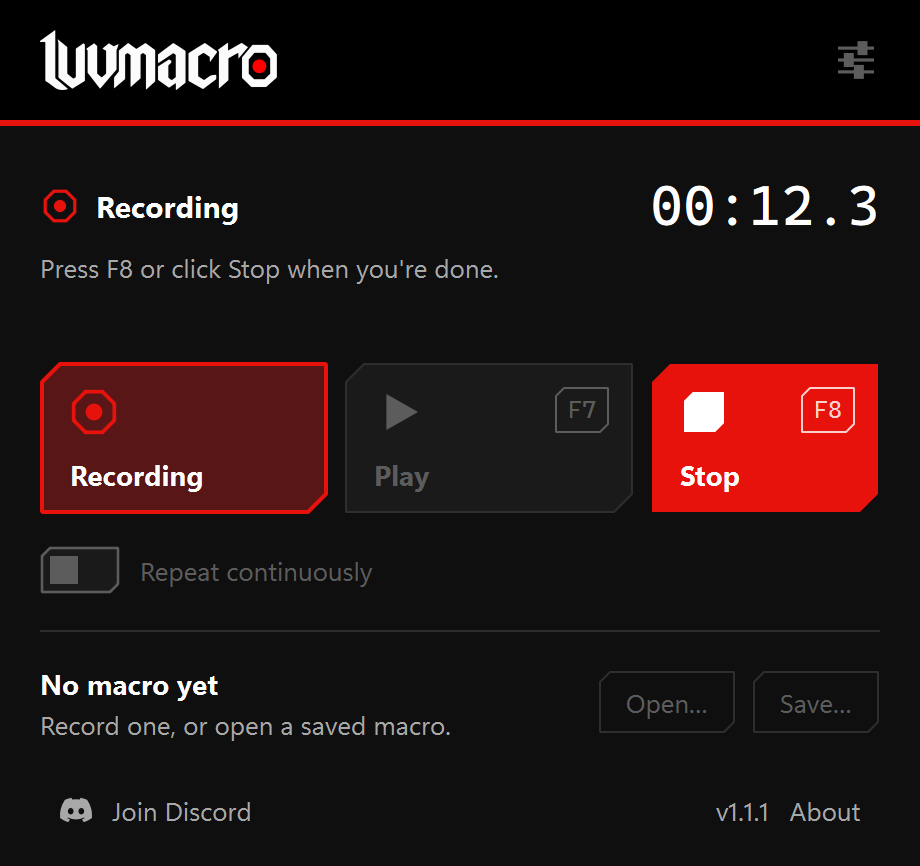
Start recording
- Open the window you want to record.
- Press Record or F6.
- Switch to that window during the three-second countdown.
- Perform the actions you want to repeat.
- Press Stop or F8, then Save… to keep the recording.
Only input in the window selected when recording begins is kept. Recording does not start when you merely open the app.
Keep the window steady
Keep the window in one position and size during recording. Moving or resizing it while recording prevents that recording from scaling to a different window size later. The app tells you when this happens.
Mouse movement
Settings lets you choose whether to record mouse movement and its level of detail. A game that locks the cursor for camera movement may not replay correctly. Test a short recording before relying on it.