
Your first macro
Install LuvMacro, record a few actions, and play them back safely.
Before you begin
LuvMacro records keyboard and mouse actions and plays them back on Windows 10 or 11. It has been tested on Windows 11. Recordings stay on your computer.
- Get the installer from Download, check its checksum, and run it.
- Open LuvMacro from the Start menu. Open the window you want to record.
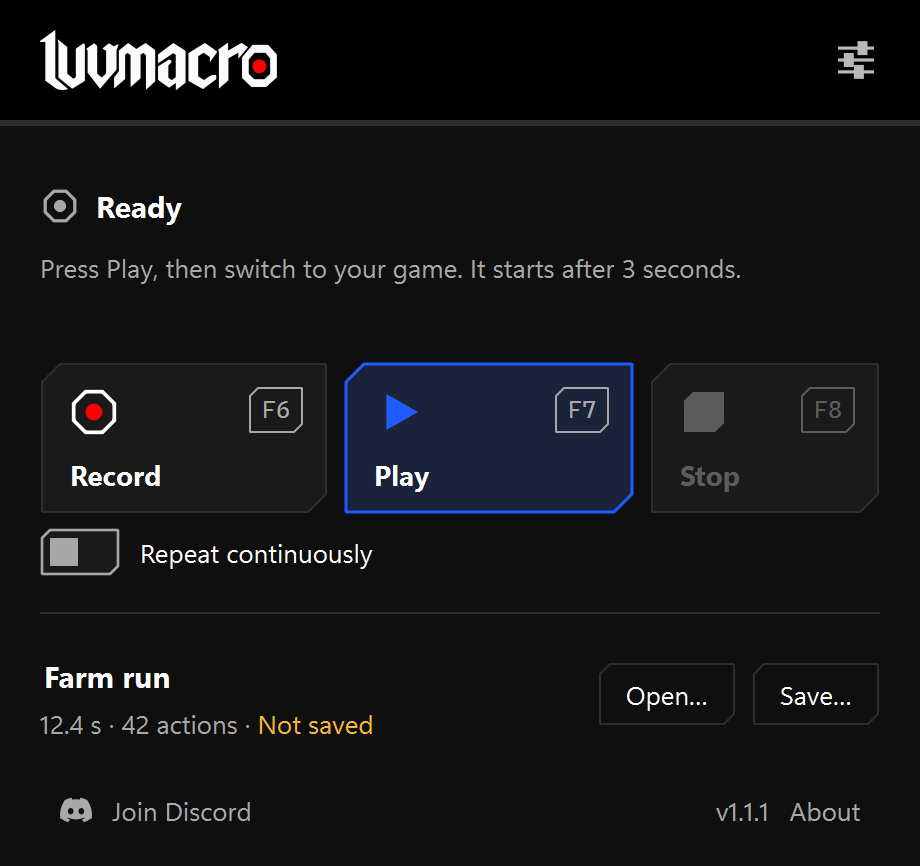
- Press Record or F6. During the three-second countdown, switch to that window.
- Do a few simple actions. Press Stop or F8 when you are finished.
- Press Save… and choose where to keep your recording.
- Press Play or F7. During the start delay, switch to the window you want to control.
- Press F8 to stop. LuvMacro releases the keys and mouse buttons it was holding.
If something goes wrong
Playback stops when you switch to a different window. If you see an LM error code, search Error codes. For a support report, open Settings > Troubleshoot….