
Features
Recording, playback, looping and built-in troubleshooting. See what LuvMacro does.
What it does
Record and play back
Press Record (F6), do your actions, press Stop (F8). Press Play (F7) to run them again. Opening a saved macro never plays it. Read the guide
Fits the game window
Macros recorded in 1.1.0 or later remember their window and scale mouse positions to the window you play them in, so a different size or position still works. Windows only. Read the guide
Stops when you say
Stop (F8) always works and lets go of any key or mouse button LuvMacro was holding. Playback also stops by itself if you switch to another window. Read the guide
Repeat for as long as you need
Turn on Repeat continuously to loop a macro until you stop it. A small status bar shows what LuvMacro is doing. Read the guide
Help built in
Problems show a code like LM-1007. Settings > Troubleshoot runs checks and builds a support report you can read before you paste it into a Discord ticket. Read the guide
Here's a closer look at the app.
-
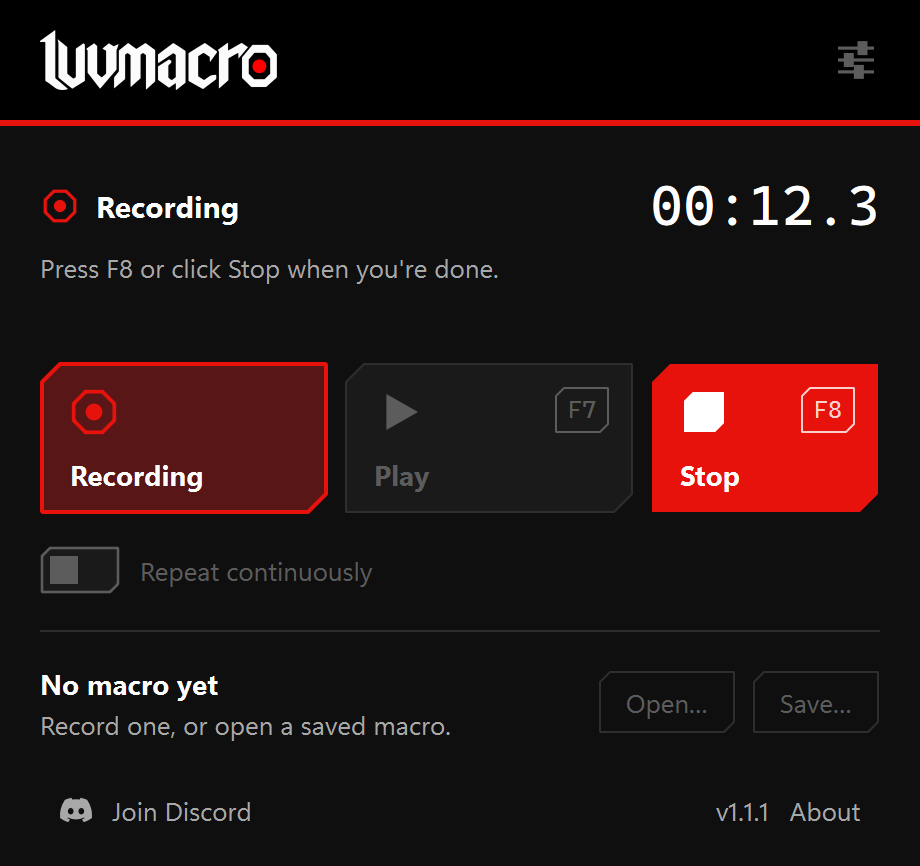
Record
Press Record or F6. After a 3-second countdown, do your actions. Press Stop or F8 when you’re done.
-
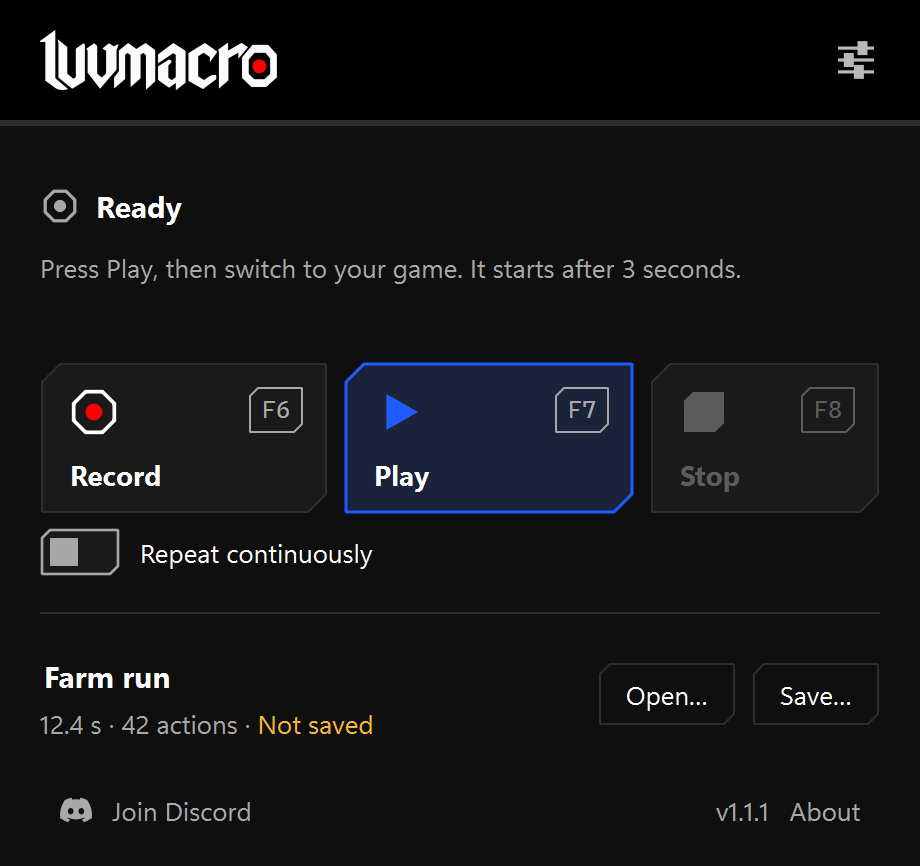
Save and open
Save a macro as a .luvmacro file, open it later, then press Play or F7.
-
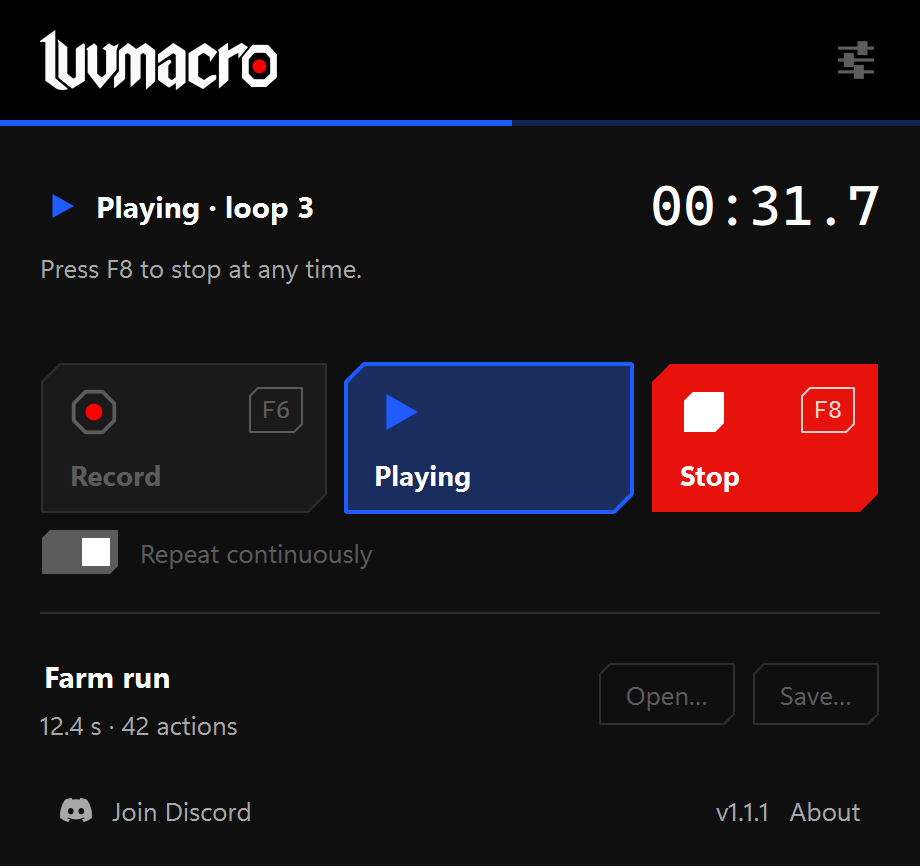
Repeat
Turn on Repeat continuously to loop it. Press Stop or F8 whenever you want it to end.
Screenshots use a sample macro.