
Repeat a macro
Use Repeat continuously and stop a running loop.
Turn on repeat
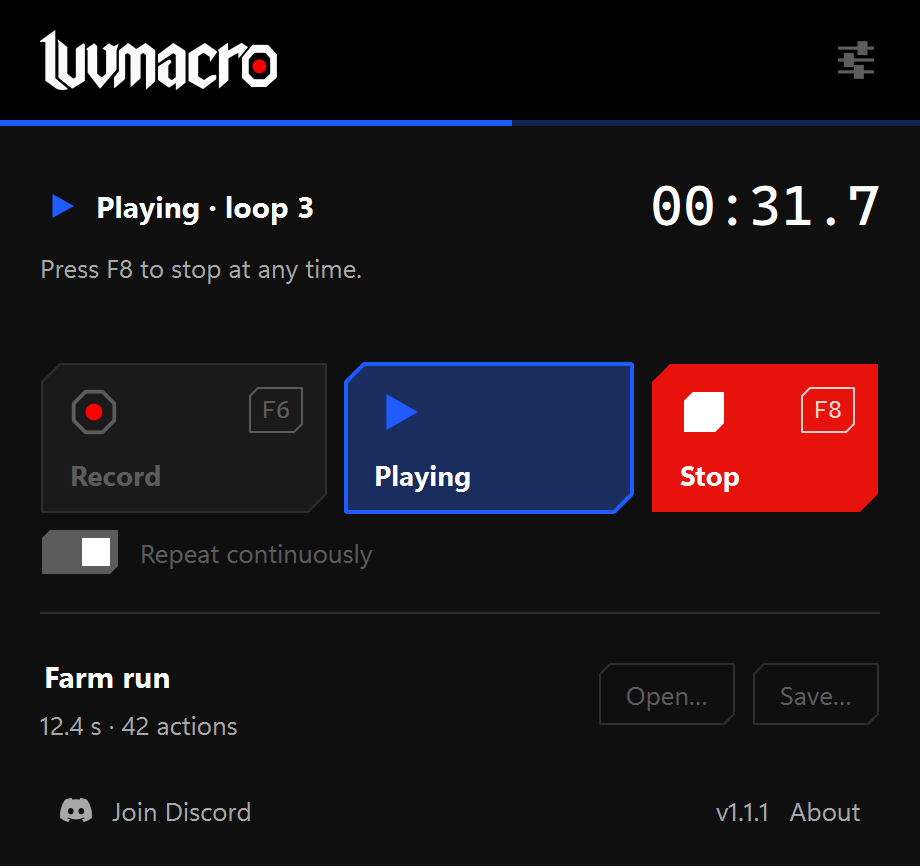
Load or record a macro, turn on Repeat continuously, then press Play or F7. Switch to the target window during the start delay. The recording repeats until you stop it.
Stop a loop
Press F8 or Stop at any time. The app releases held keys and mouse buttons. Switching away from the target window also stops playback.
The small status bar shows what the app is doing. Hiding it in Settings does not disable the Stop shortcut. Test a single playback before leaving repeat enabled.