Choicer Voicer Multiplayer Dub
For friends who play YeahMaybe's game The Choicer Voicer and want to dub a scene together from different computers. The game's Dub Mode runs on one machine; this fan-made companion collects each person's lines over the network and assembles them on the host's PC. It is not affiliated with or endorsed by YeahMaybe.
- Category
- Experiment
- Status
- Prototype
- Role
- Design and development
- Year
- 2026
It needs the game and a Windows PC to host, so there is no web demo.
Overview
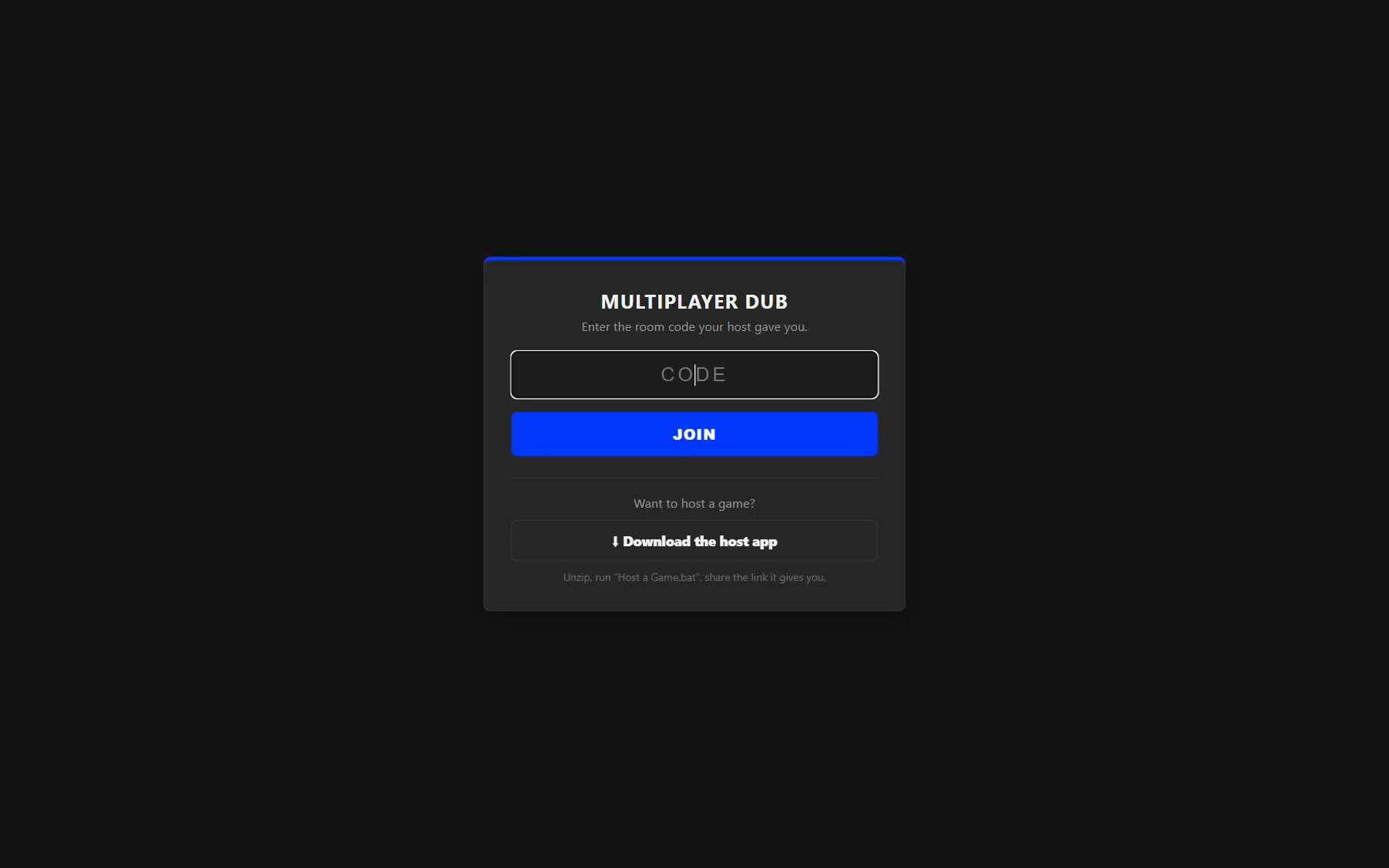
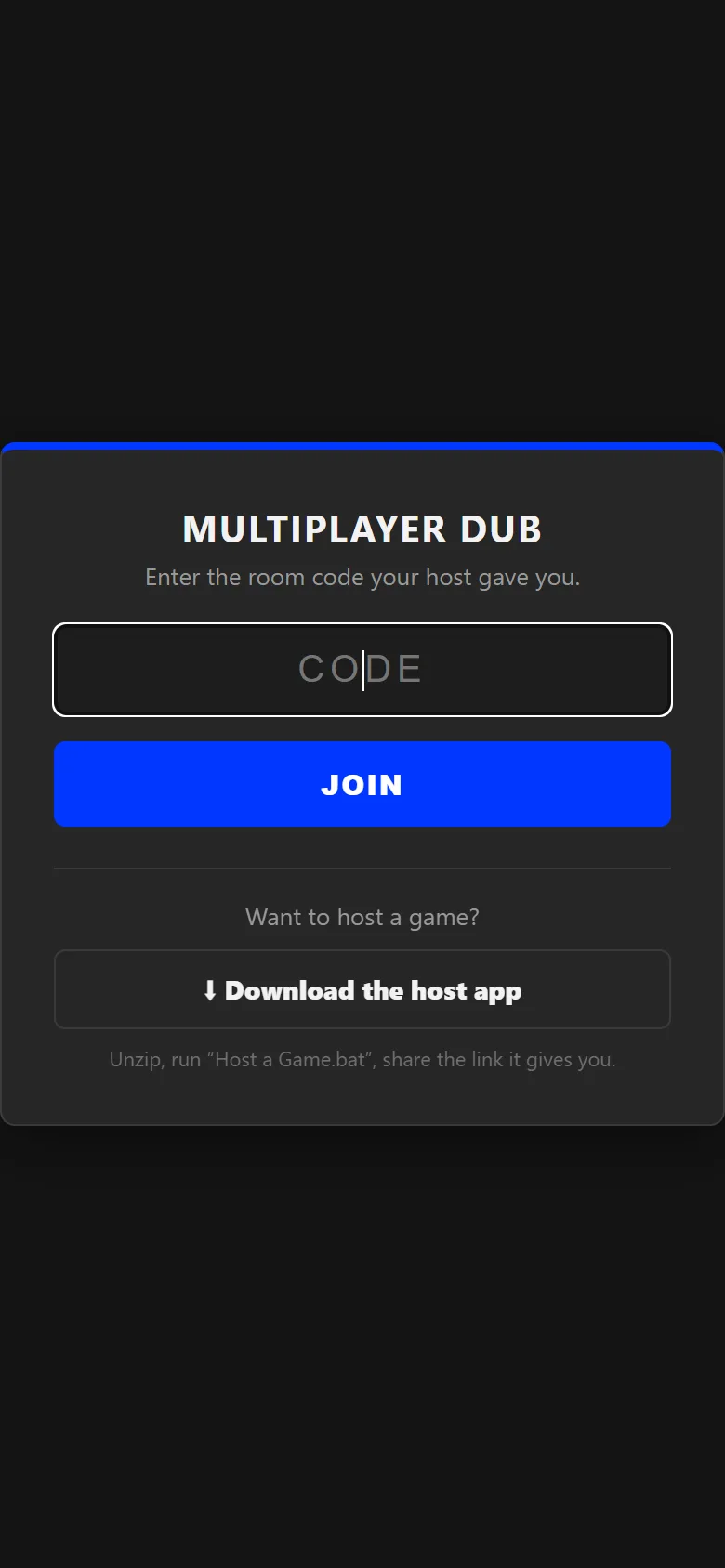
The host runs a small Python server on the Windows PC where the game is installed. Friends open a link, enter a room code, pick a microphone and record the lines for the characters they were assigned. Each take goes to the host, which writes the dub into the game's own recordings folder at the pack's timestamps, so it can also be replayed inside the game.
Players need only a browser. To play across networks, the host shares a temporary Cloudflare tunnel link or connects out to a small always-on relay, which serves the page and passes messages and media between players and the host's PC. Mixing, scoring and video rendering all stay on the host.
The companion never modifies the game's program files. It reads installed Dub Packs and writes new dub recordings, nothing else.
What it does
Record lines in the browser
While recording, the original line's waveform is shown with the microphone overlaid live, the original can play as a reference, and the take stops at the end of the line so it lines up with the scene.
Lobby and character assignments
The host picks a Dub Pack, assigns characters or randomizes them, and starts the session once everyone has joined. A player who drops out mid-recording can rejoin and keep their lines and progress.
Assemble and watch together
The host assembles the dub and renders an MP4 of the scene with everyone's lines mixed over the backing track, then plays it for the whole room in sync. Anyone can download the video or a zip of every line.
Accuracy scores
Each take is scored against the original line from its loudness and pitch over time, aligned with dynamic time warping, and the watch screen shows scores per line, per player and overall.
Make a pack from a video
The host can turn a video into a new Dub Pack: lines come from automatic speech detection, an imported subtitle file or markers dropped while scrubbing, and the pack is saved where the game can also use it.
One-click hosting
A single launcher finds Python (or downloads a portable copy), keeps a stable room code, opens the host controls and connects to the relay if one is configured.
How it was built
A relay that keeps the work on the host PC
The host's PC connects out to the relay over one WebSocket, so there is no port forwarding. The relay serves the browser client, forwards player messages by room code inside a small binary envelope, and reverse-proxies image, audio and video requests back to the host over the same connection.
No dependencies on the host
The host and relay use only the Python standard library, including a hand-written HTTP and RFC 6455 WebSocket server and client. Networking is kept in its own transport layer, so local play, tunnels and the relay share the same lobby logic.
Writing WAV files the game accepts
Browsers' MediaRecorder cannot produce WAV, so the client captures raw audio with the Web Audio API and encodes 16-bit mono WAV itself. The host then writes takes with the pack's timestamps and the game's own file naming.
Validating everything a player sends
Messages follow a strict protocol that checks room codes, usernames, clip ids, filenames and sizes (up to 20 MB per line). File requests are locked to the selected pack folder, and imported pack archives are filtered by file type, size and path before anything is extracted.
Built with
- Python 3 (standard library)
- JavaScript
- Web Audio API
- WebSockets (RFC 6455)
- ffmpeg
- Cloudflare Tunnel
- Docker
- Render
Want something like Choicer Voicer Multiplayer Dub?
Tell me what you are building and what it needs to do. rowenapichardo@gmail.com